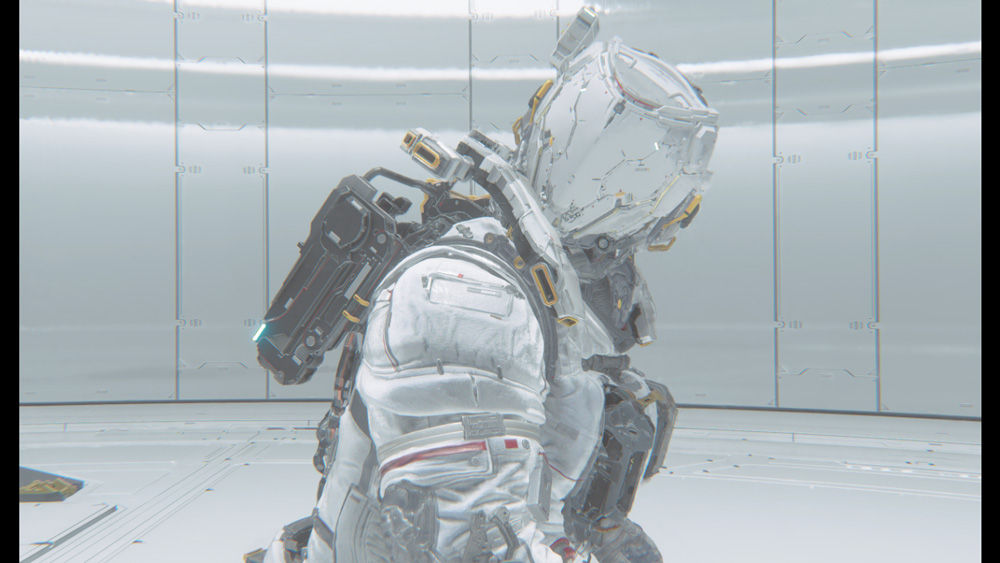
Easy solution for the black bars problem in side of the screen for Pragmata.
It's only happening in the Demo at the moment and hopefully will be fixed in the full release of the Pragmata.
Guide
1. While in the main menu screen go to Options and then Graphics.
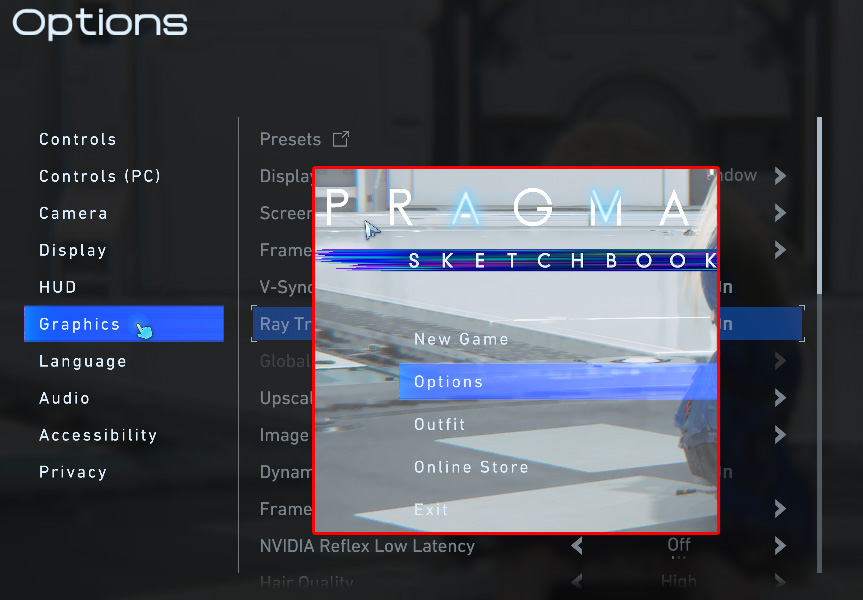
2. Change Display Mode to Windowed and then back to Borderless Window.
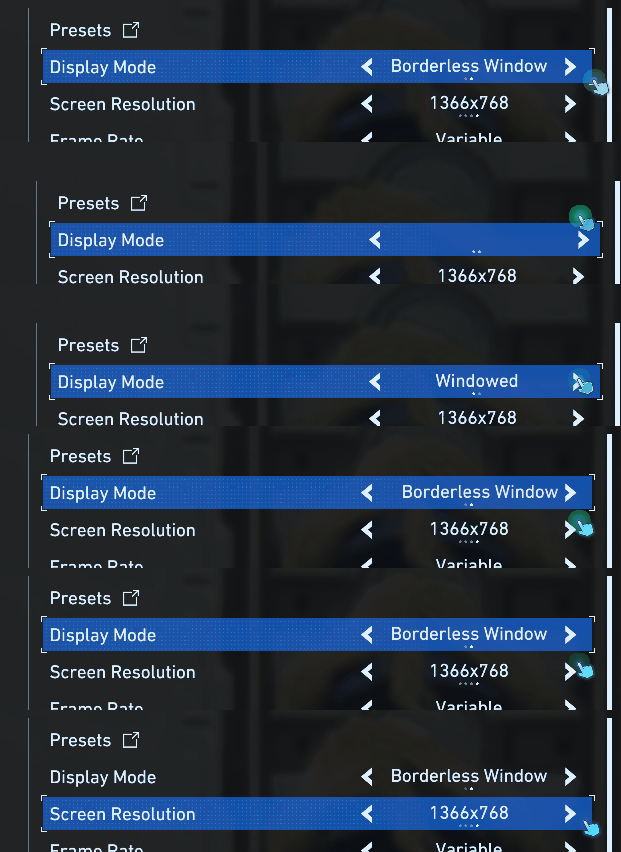
3. Enjoy the fullscreen with no black bars and higher quality.