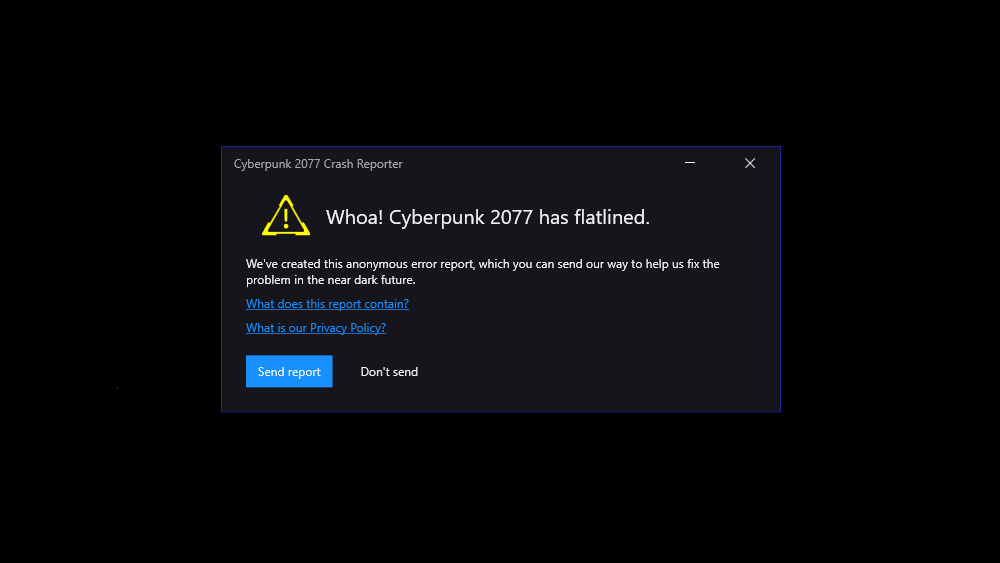
Cyberpunk 2077 Crash Reported with "Whoa! Cyberpunk 2077 has flatlined." error can be caused by either corrupted mods or outdated graphic drivers.
Music Volume
If you can access the main menu, go to Settings and then from the Sound tab change the Music Volume to 100.
- Honestly I don't know if this is about changing anything in settings or just the music volume one but before the error I changed it to 0 and then when I reverted it back to 100 for some weird reason I didn't get the flatline error anymore.
Delete UserSettings.Json
1. Go to C:\Users\[username]\AppData\Local\CD Projekt Red\Cyberpunk 2077.
2. Delete "UserSettings.Json" file.
Outdated Drivers (Update Graphic)
Open NVIDIA App or the software for your graphic and check Drivers section for any newer version.
Corrupted Mods
If you have installed any mods recently disable them and see if that helps.
Mouse Side Buttons
If you have changed the key for your mouse's side buttons change them back to normal and see if that solves the flatline problem.
Disable Antivirus
Antiviruses like Avira can cause this problem. Disable any antivirus you got and open the game again to see if that fixes it.